Cloud, Hybrid or On-Premises
BPA Platform enables you to automate processes and integrate business systems quickly and easily.
BPA Platform Brochure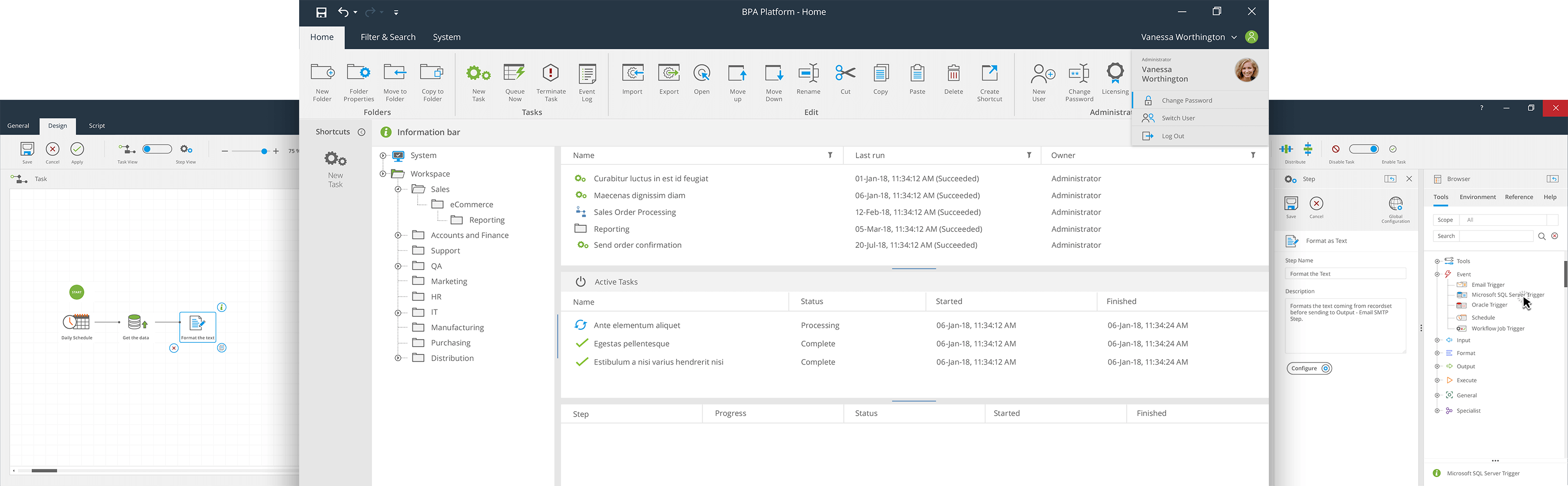
Enterprise Integration and Automation Platform that comes with an SMB price
One platform across multiple systems automating multiple processes. Transform the way your business operates with integration solutions for Cloud, Hybrid or On-Premises environments and business process automation tools as standard.


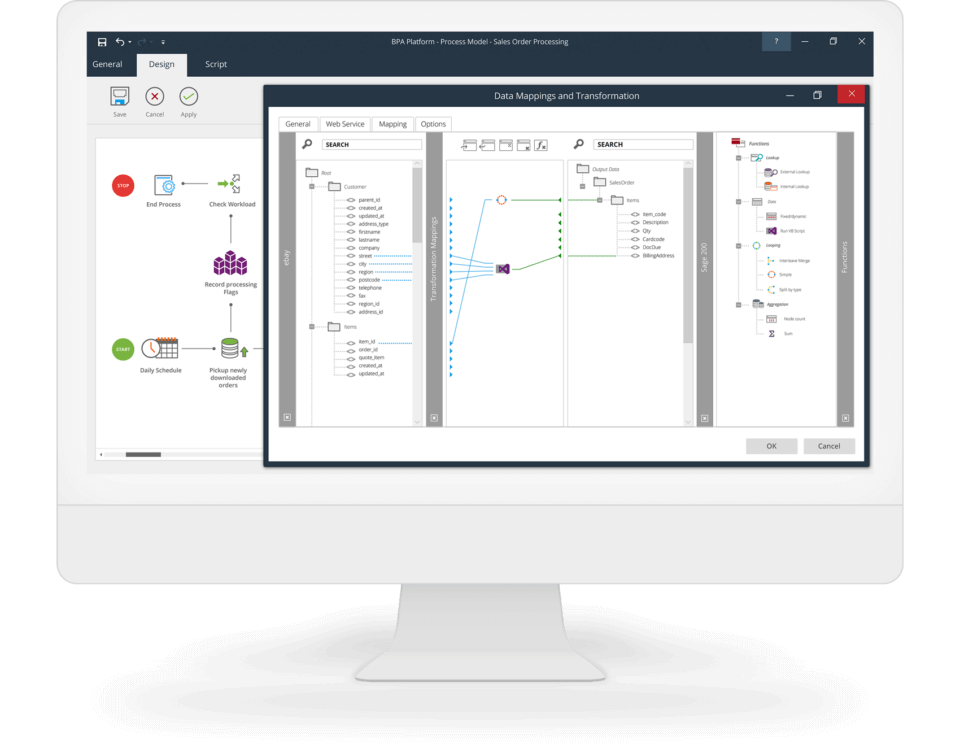
Data Integration & Synchronisation
Integrate applications, systems and web services via easy-to-use, graphical tools.
Drag and drop experience
A full drag and drop user experience so integration steps are visually represented within a wider automated process.
Transformation functions
A set of transform functions that can be dragged onto the mapping area to change the data between input and output.
Hundreds of connectors
Access hundreds of data connectors via one easy-to-use platform.
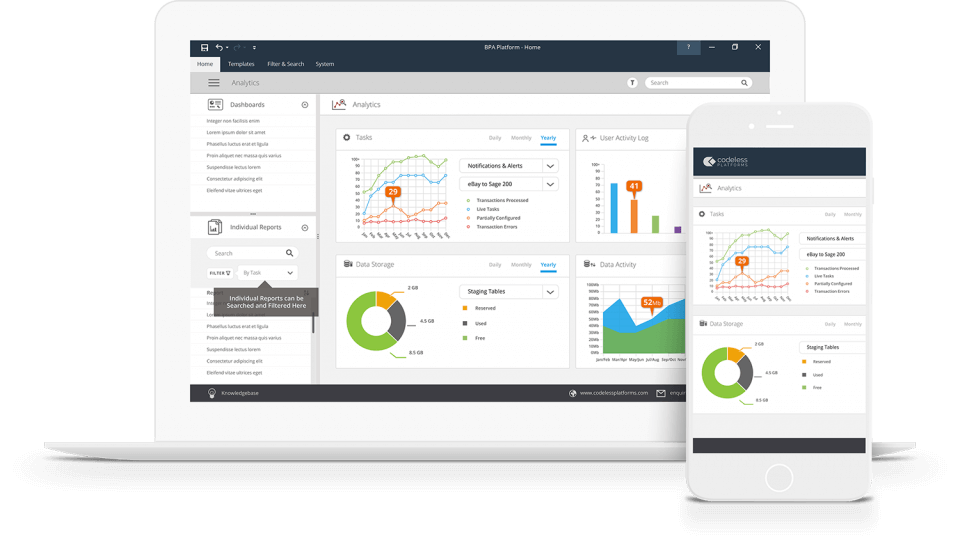
Report & Document Automation
The Report & Document Automation capability automates the creation and distribution of internal or external reports or documents.
Drag and drop scheduler
Automate the creation and distribution of reports and documents via a drag and drop scheduler or database event tools.
Automate reporting tools
Automate popular reporting tools such as Crystal Reports, SSRS (server and local mode) and reporting engines native to a business application.
Save and send
Ensure copies of all reports and documents are saved to both a network location or sent via email, FTP or print.
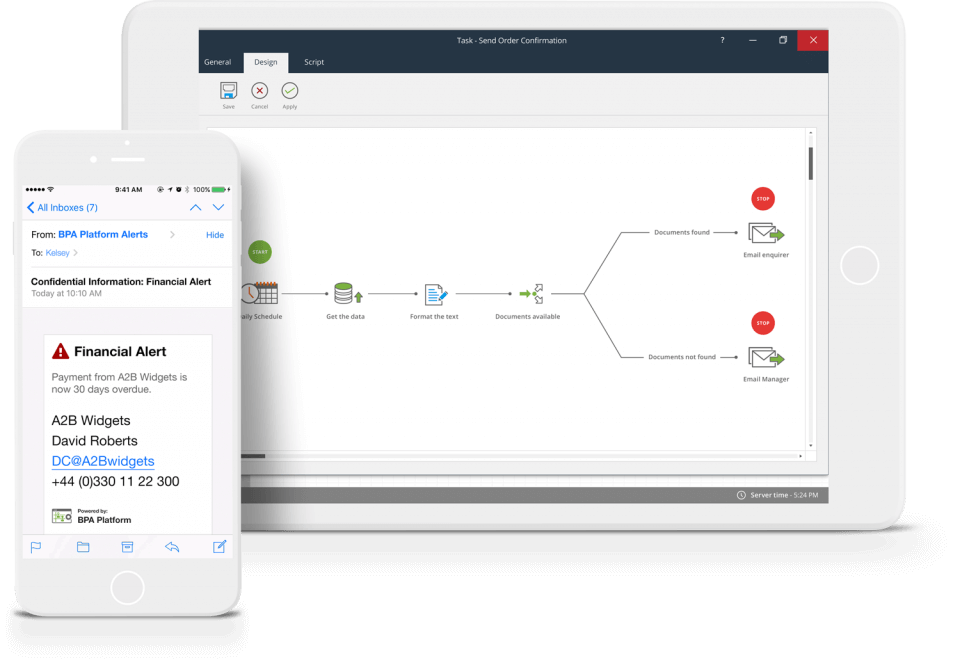
Notifications & Alerts
The Notifications & Alerts capability provides you with the ability to automatically distribute email and SMS messages 24/7, 365 days a year.
Easy-to-use editor
Build HTML and plain text notifications and alerts using an easy-to-use editor. No coding required.
Multiple delivery methods
Send notifications and alerts via multiple channels including email, SMS or compatible messenger APIs.
Memory and escalation
Capture everything that happens and action where escalation is required.
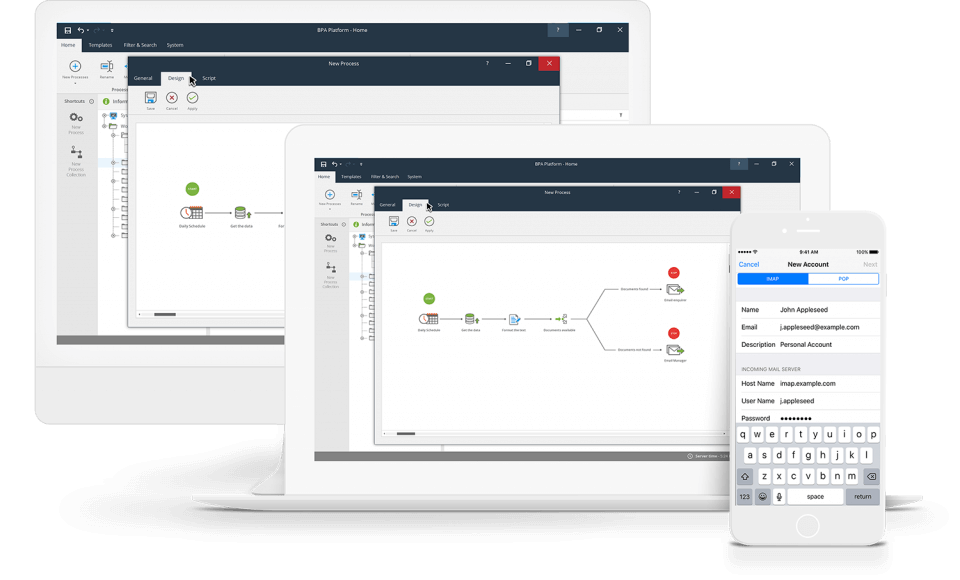
Workflow & Human Interaction
Whether your workflow process involves a single level or a multistage workflow authorisation process, our capability enables you to start small but scale quickly
No coding required
Simple drag and drop, point and click workflow editor. No coding required.
Fully responsive
Workflows that automatically comply with desktop, mobile and tablet devices.
Multi-level workflow authorisations
Pre-configured groups of approvers that can be modified by end users.
BPA Platform core features and architecture
BPA Platform enables organisations to build powerful automated business processes, while leveraging the power of existing systems.
Tasks and Steps
Built around central concepts of “tasks” and “steps” providing the ability to build flexible automation processes with logical building blocks, using a drag and drop UI.Secure Integration
Integrate cloud-based, on-premises or hybrid hosted business systems, using end-to-end AES 256 security with double encryption to protect business data and transactions.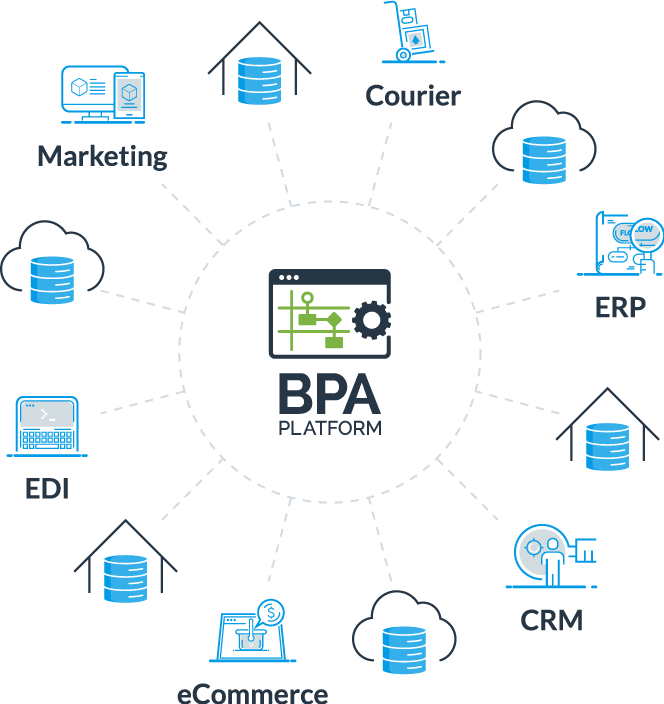
Tools
Used to create steps within a task, providing the functional building blocks that interface with common technologies, systems, and applications.System Architecture
Deployed on-premises or as an iPaaS. It uses client software to design Tasks, a server for connectivity and processing, with a data store for data and tasks.Cloud, Hybrid or On-Premises
iPaaS delivers rapid deployment, reduces upfront payments and maintenance costs, and improves scalability and scope.
Cloud Integration
On-premises integration provides complete control over resources, higher security and compliance, and accessibility at all times.
On-premises IntegrationIntegration and Automation Benefits
Scalability
BPA Platform offers a powerful, scalable and cost-effective integration and automation solution for organisations, ranging from the small-to-medium business to the large enterprise.
Unrivalled functionality
By leveraging extensive process modeling capabilities, complex tasks can be automated to drive operational efficiency and establish a consistent automation framework throughout the entire information chain.
Workflow
BPA Platform incorporates workflow technology to enable interaction at critical stages of a business process. Create simple authorisations, or complex multi-level escalations, with drag and drop tools.

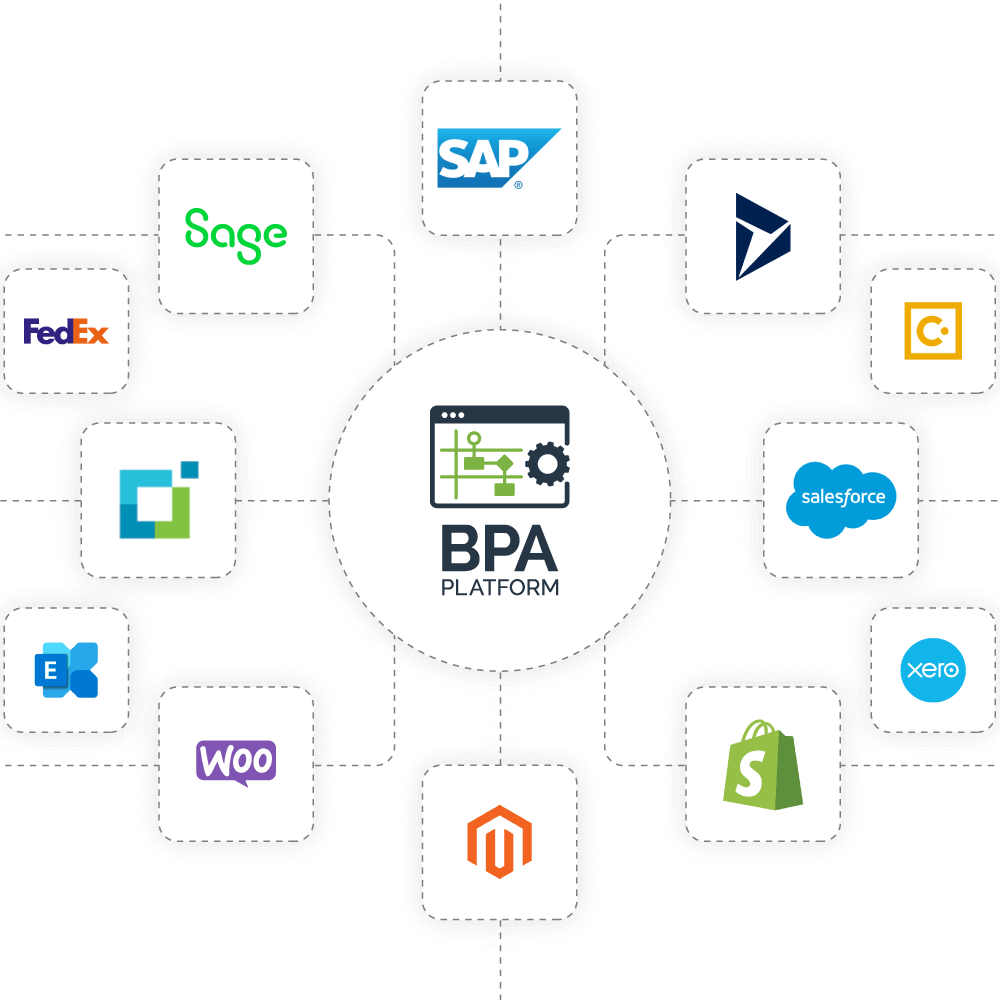
Connect to anything, anywhere in a Codeless environment
Deploy BPA Platform in a Cloud, Hybrid or On-Premises environment to reduce the cost of bespoke integration projects and enable your systems and applications to work together via an extensive range of rapid install Connectors, Web Services (REST or SOAP) or ODBC/OLEDB data sources.
Search ConnectorsBPA Platform new features and technical information
Reduces system integration development times and costs, whilst supporting integration with virtually any data source.
Multiple instances on a single server
Multi-instance architecture allows providers or end users to host multiple instances of BPA Platform on a single server, making it rapid to install and configure. It gives providers the ability to onboard new customers quickly and easily, with the ability to easily scale requirements.
End users can create separated production, test and live environments, as well as create different instances for different companies in a group structure.
- Secure isolated database
- Incorporating predefined protocols
- Reduces redundancy issues
- Rapidly onboard new customers
Landscape Management Console
The new Landscape Management Console allows users to easily monitor and manage multiple servers and instances in one ecosystem, rather than logging onto each individual instance.
Users can centrally receive error notifications for all customers hosted on those servers and maintain common features within and across multiple instances, such as users, connections, tasks, folders and agents. It also equips hosts with the ability to manage and update licensing contracts centrally.
- Manage users, connections, folders and licensing
- Import templated solutions
- Move tasks and monitor performance
- Manage all BPA Platform instances with ease